
Capabilities
What Sentinel does today, and what is coming.
Every capability below is marked Available or Coming. Coming items say only what you can use in the meantime.
From pages and recordings to data
How paper, photos, audio and free documents become values and knowledge you can check.
Quality
Photographed, faxed and skewed pages
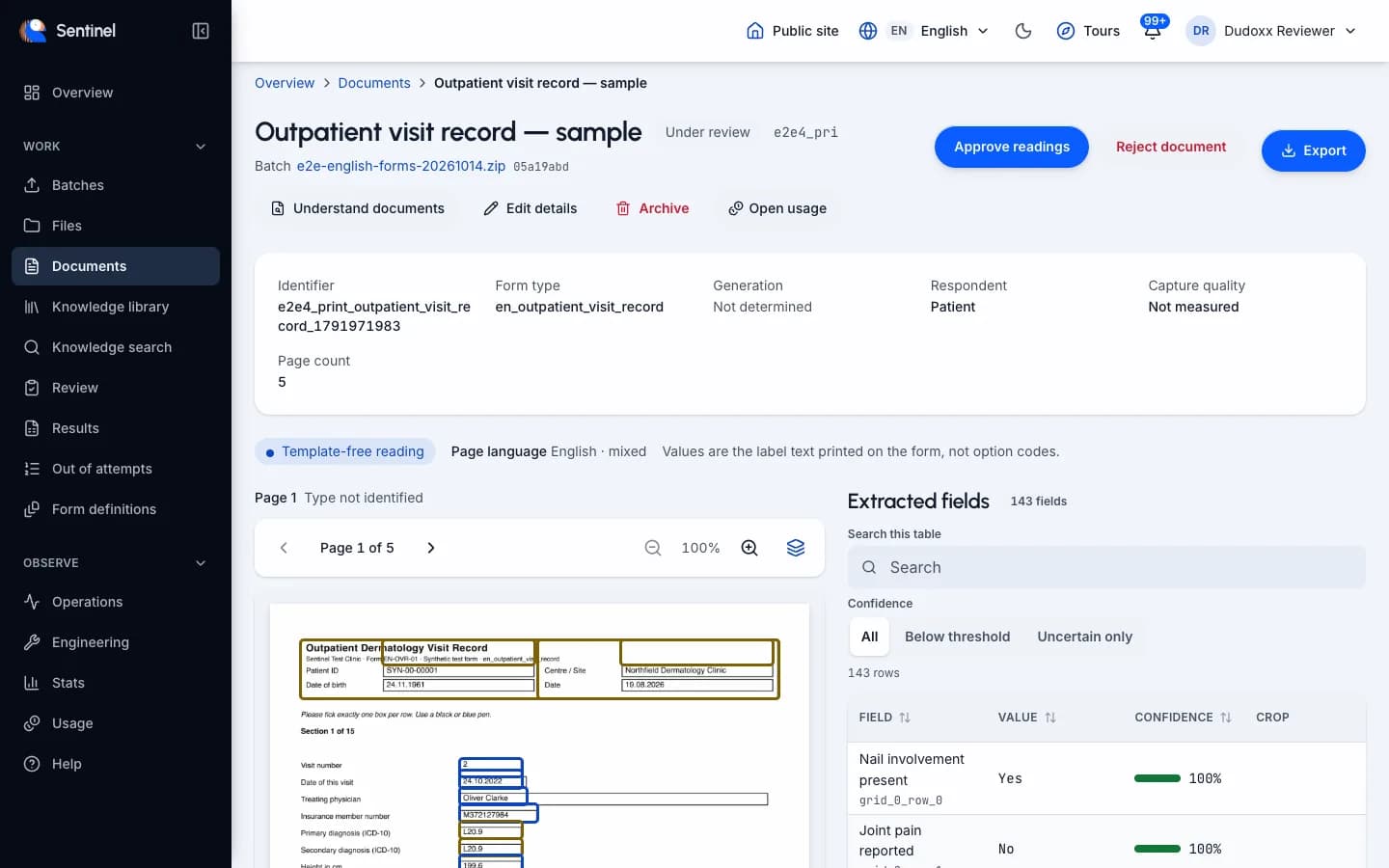
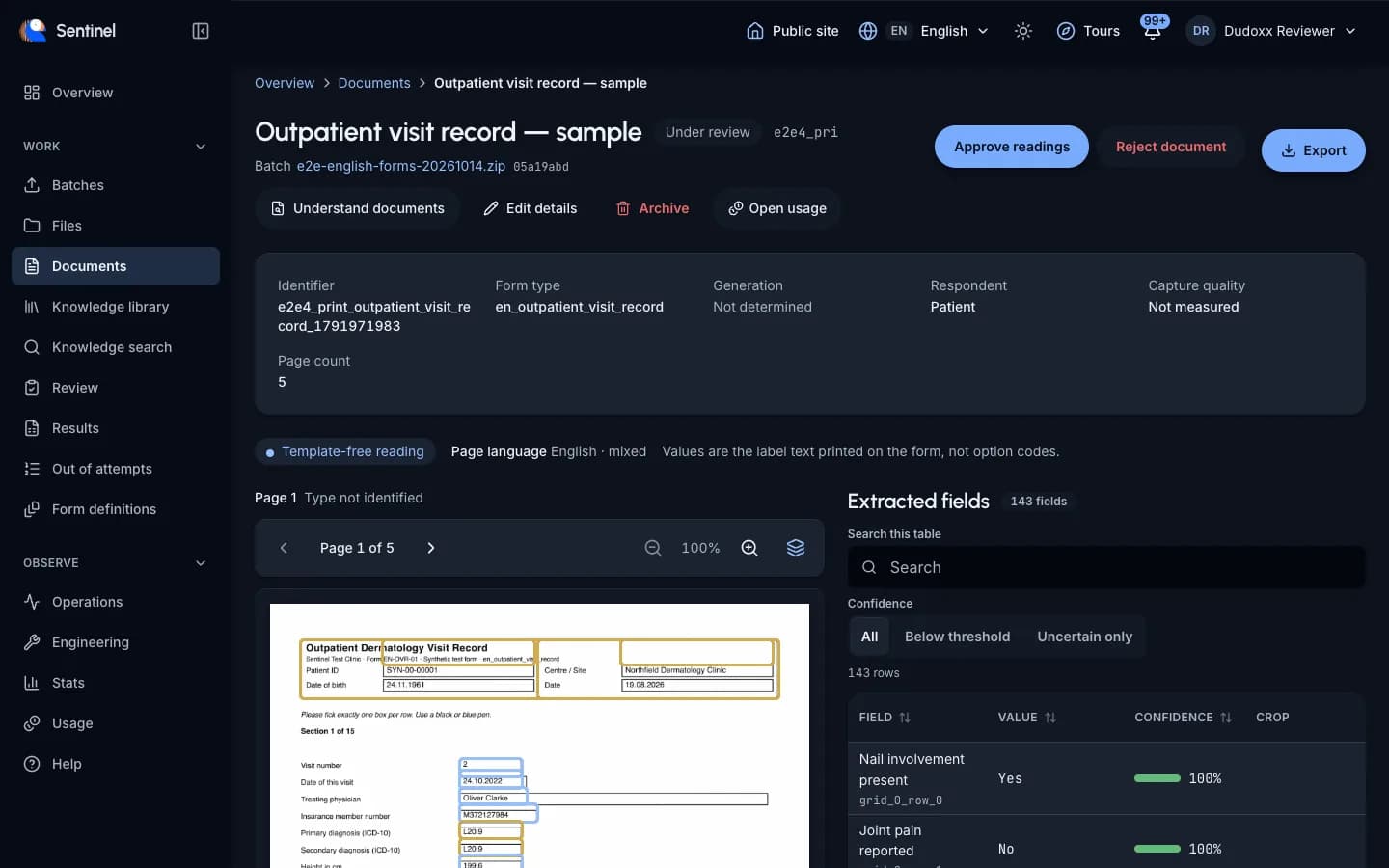
Real paper is rarely clean. Sentinel straightens each page, cleans it and reads it. A field it is unsure about is not guessed: it goes to a person together with the image crop of its place on the page.
- Photographed, faxed and skewed pages are accepted.
- Each page is straightened and cleaned before reading.
- Unsure fields go to a person with the image crop.
A clinic sends phone photos of questionnaires taken on a ward table, and the unsure answers arrive in the review queue with their crops.
Knowledge
Audio recordings
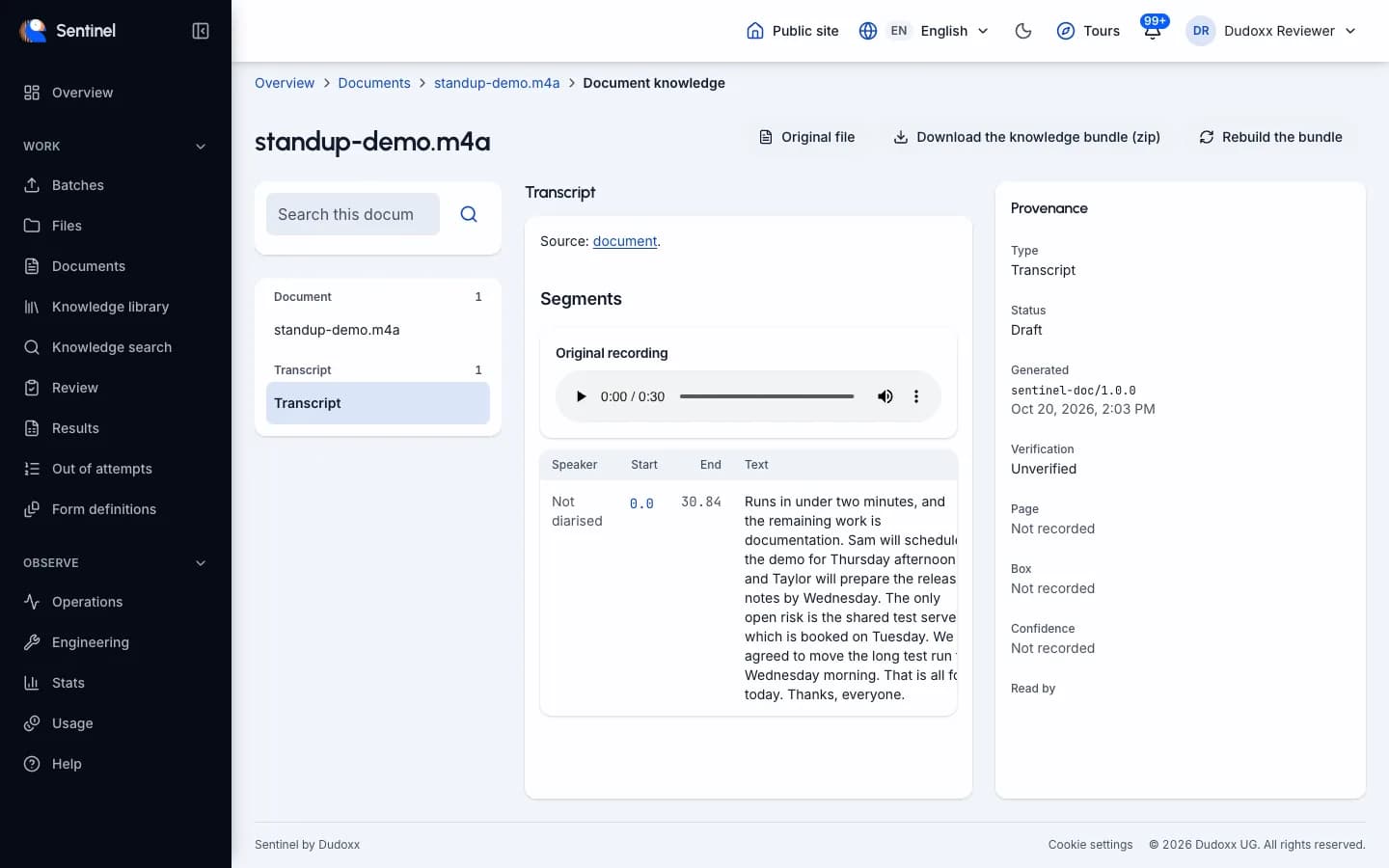
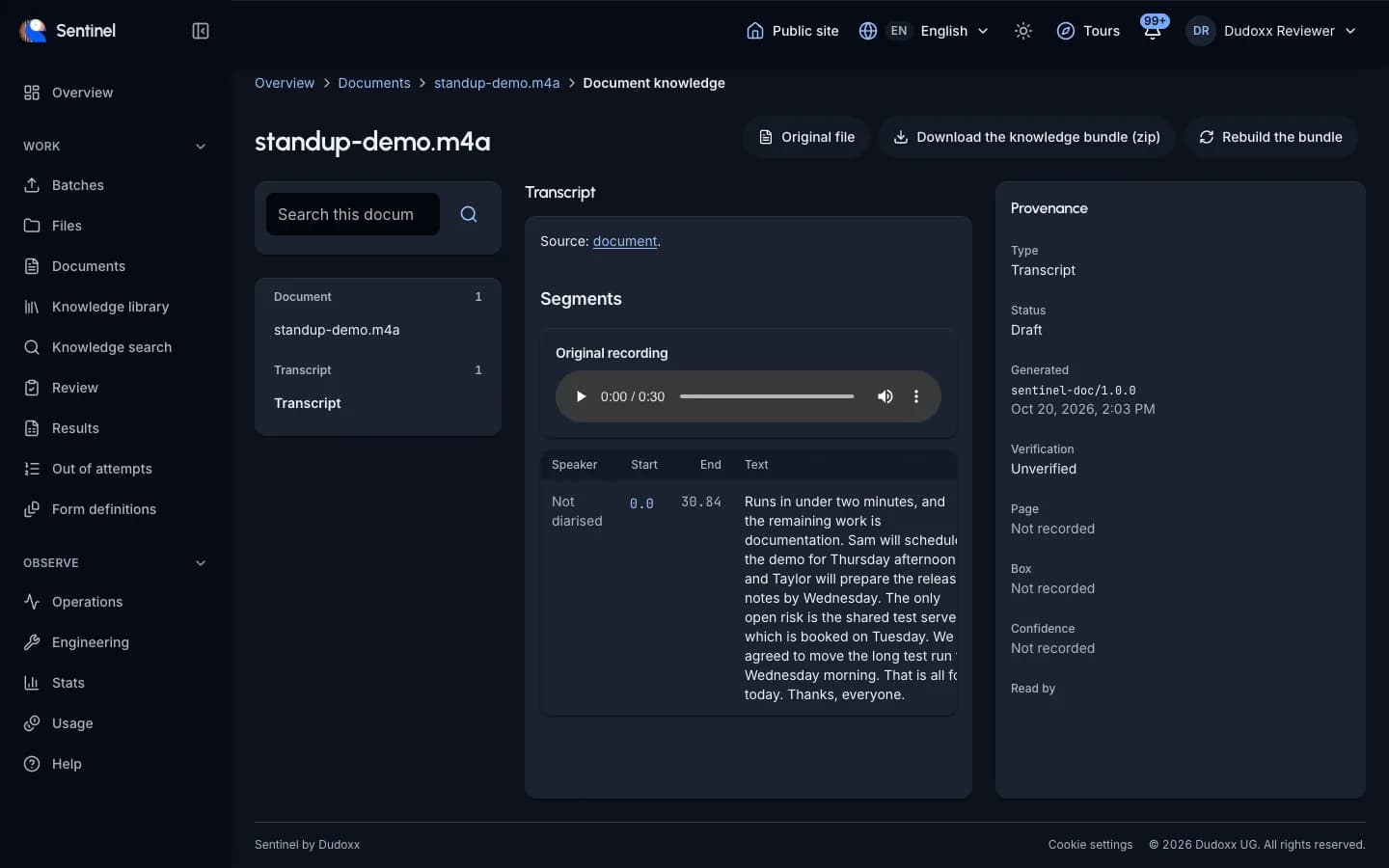
A recording is turned into a transcript you can follow while it plays. Speech recognition runs on your own systems by default. An administrator switches audio on for the organisation.
- Timestamped transcript that follows playback.
- Speech recognition runs on your own systems by default.
- Switched on by an administrator.
A research team uploads a recorded interview and reads along with the transcript while it plays.
Knowledge
Document knowledge base
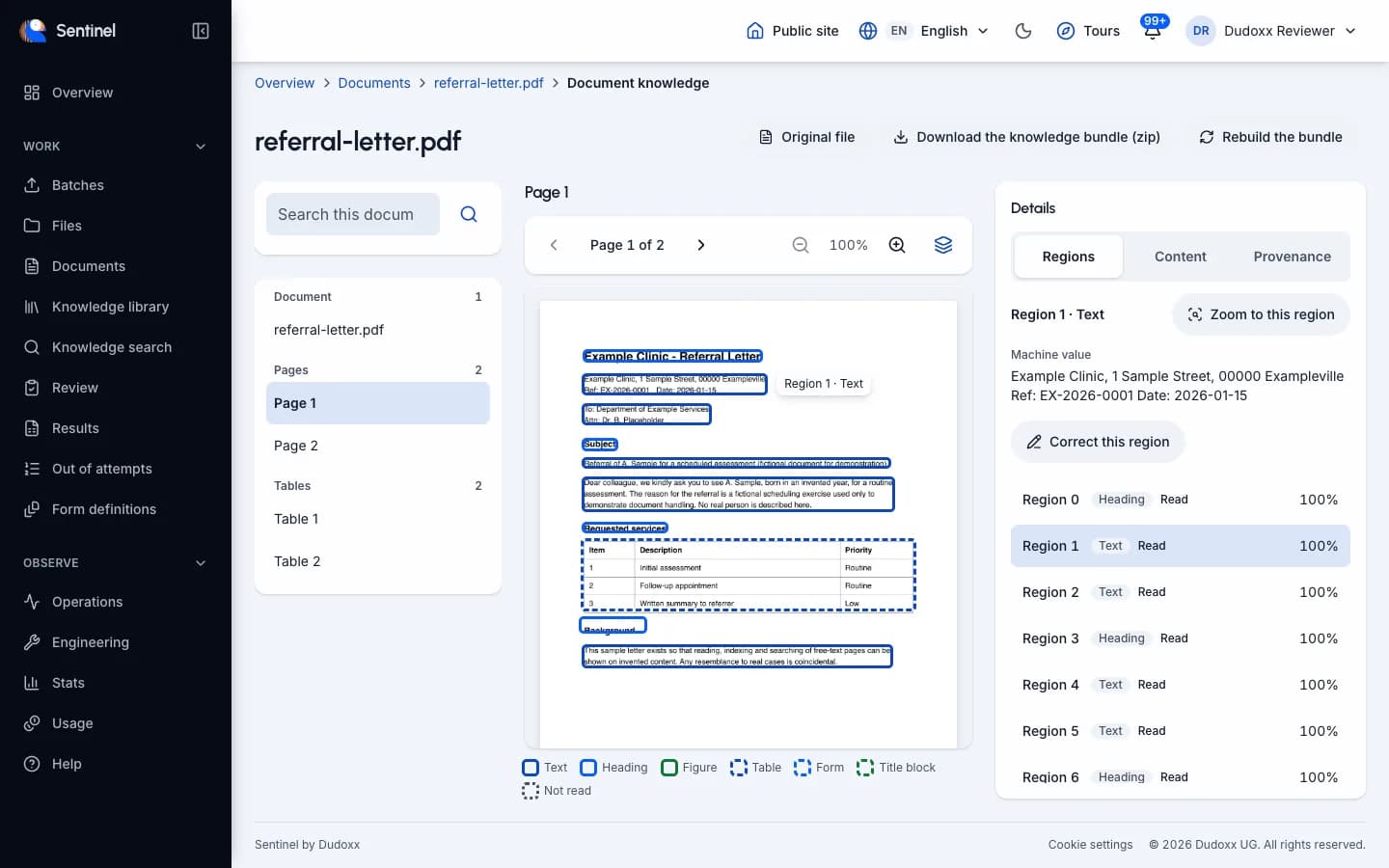
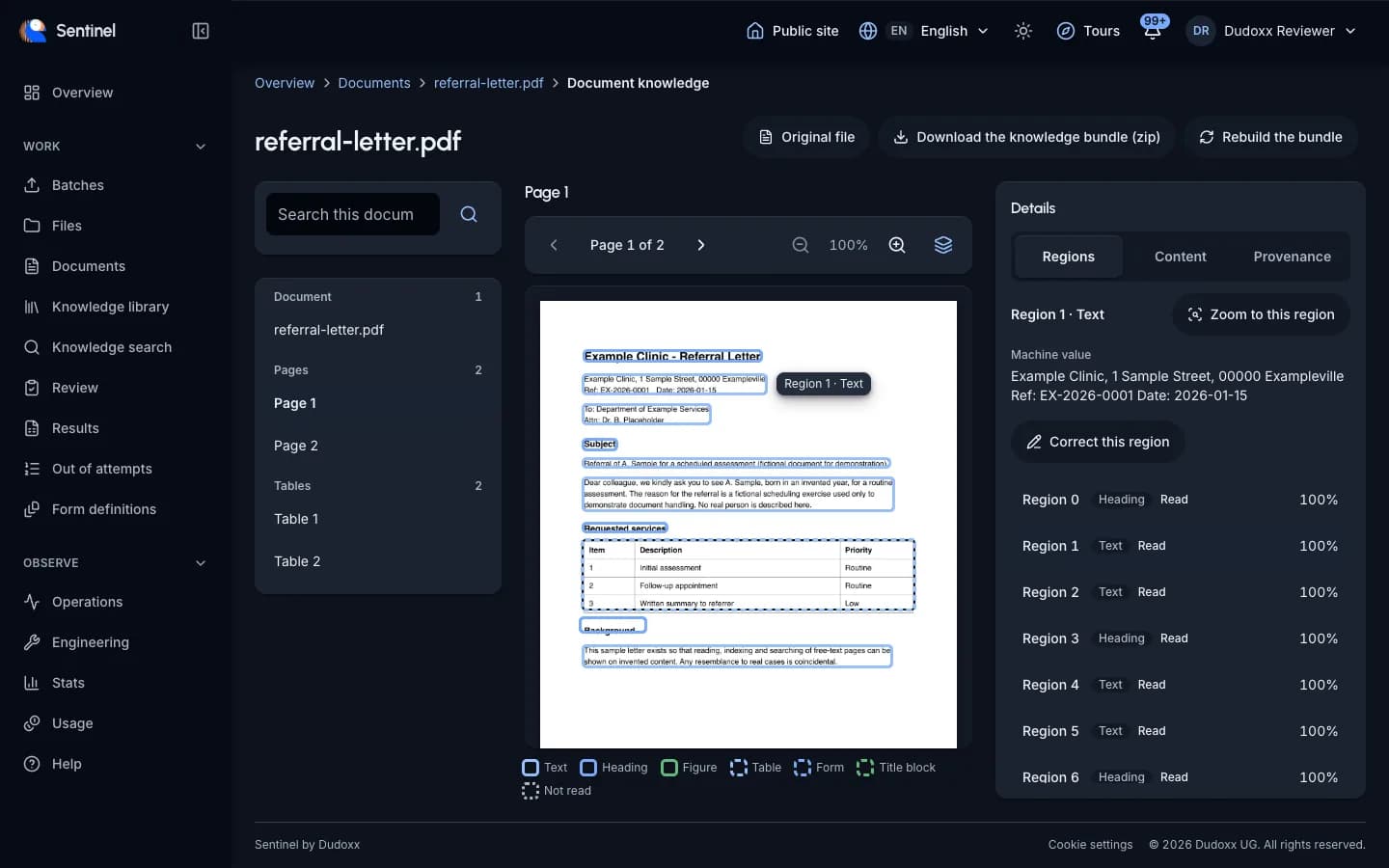
Free documents that are not forms are read into a bundle of linked plain-text pages. Browse the bundle, see where each piece sits on the original page, search it and download it.
- Open format, readable without Sentinel.
- Each piece shows where it sits on the page.
- Search across the bundle and download it.
A registry uploads a folder of discharge letters and searches the bundle for a drug name, then jumps to the spot on the page.
Forms
Standard forms catalogue
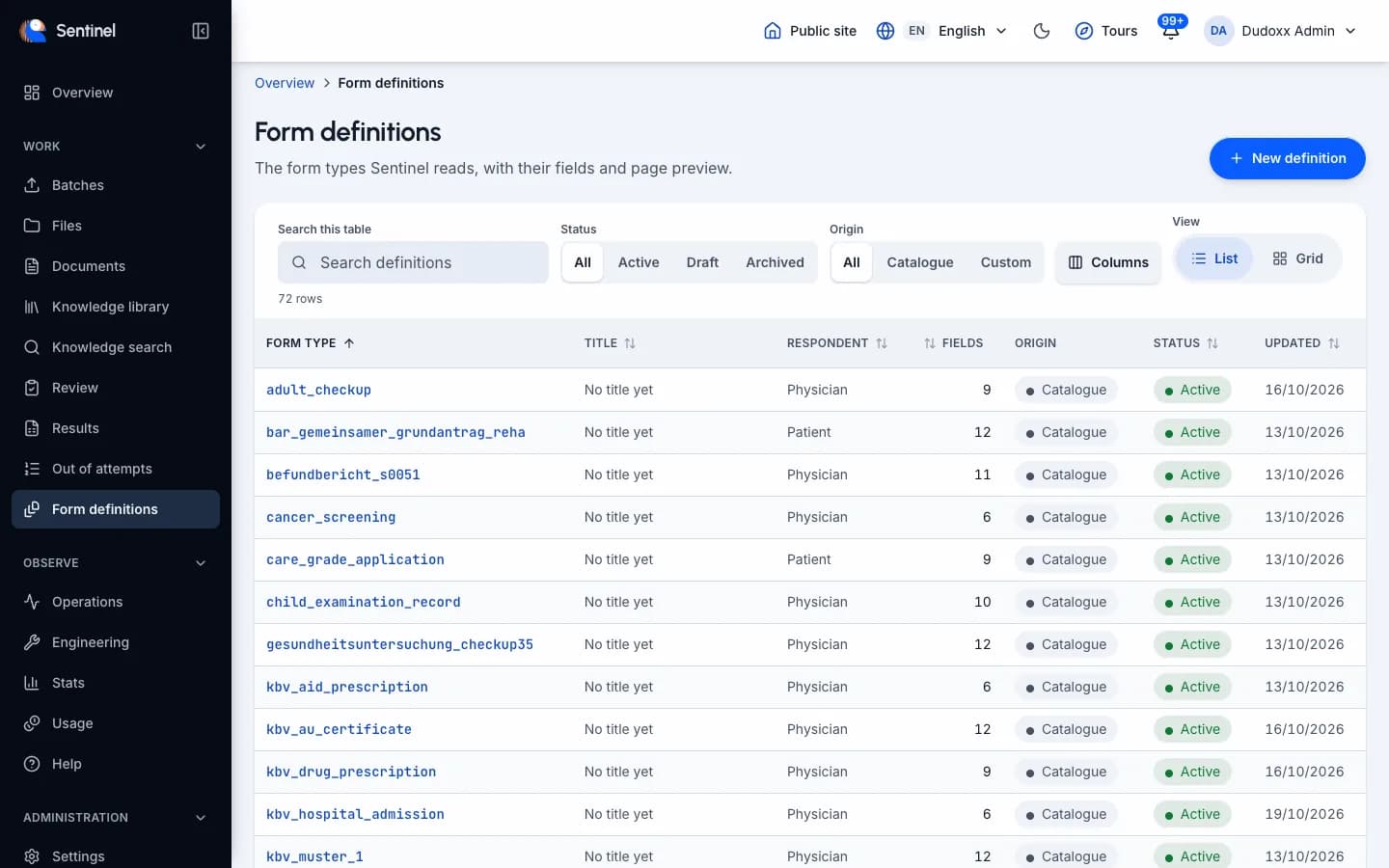
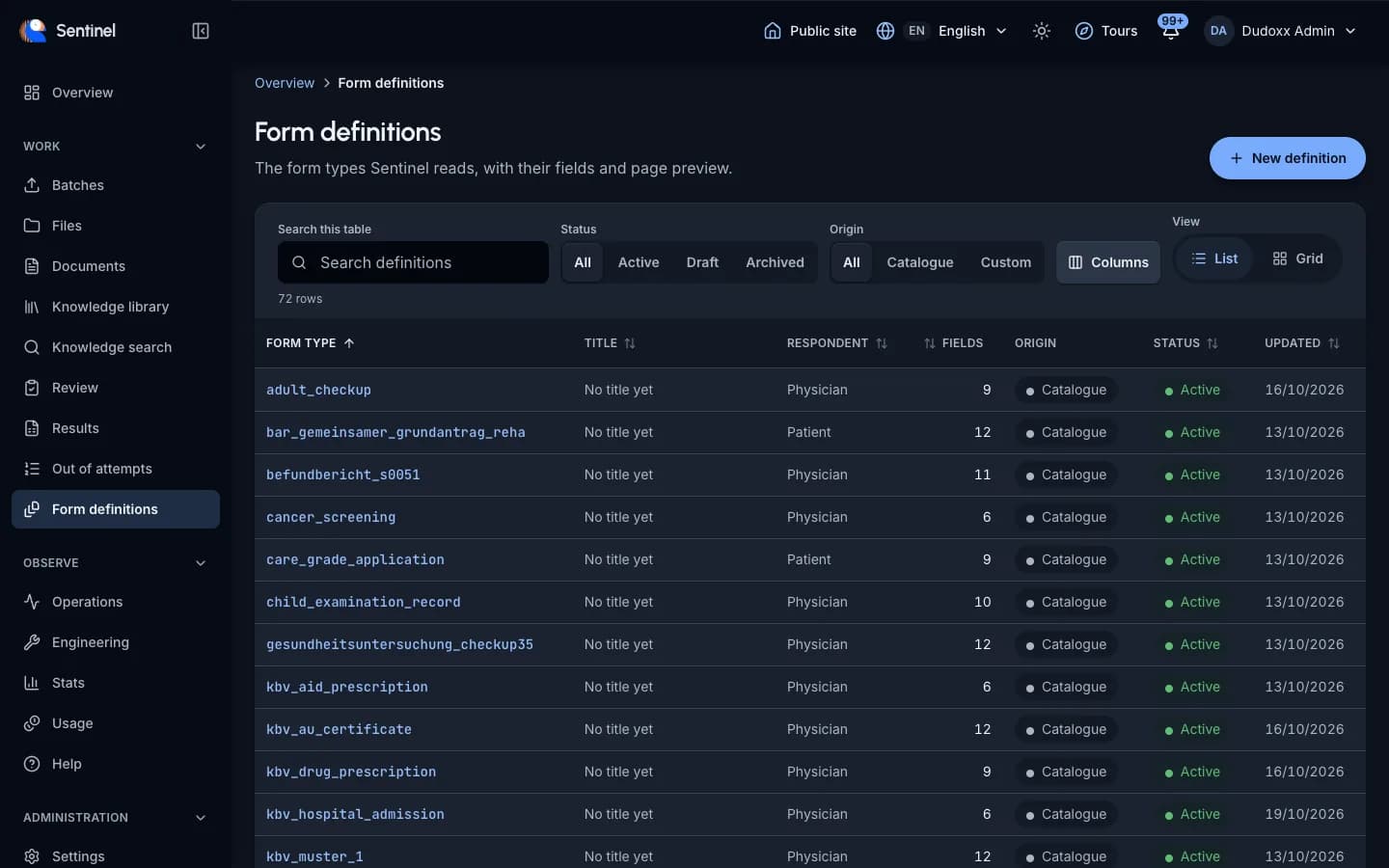
The catalogue lists every form Sentinel supports. Open one to see a preview of the page and the fields it reads. Other forms are added per project.
- Catalogue of supported forms.
- Preview of the page for each form.
- Full list of the fields read.
A study coordinator checks whether a questionnaire is supported before sending the first batch.
Forms
Custom forms, added by you
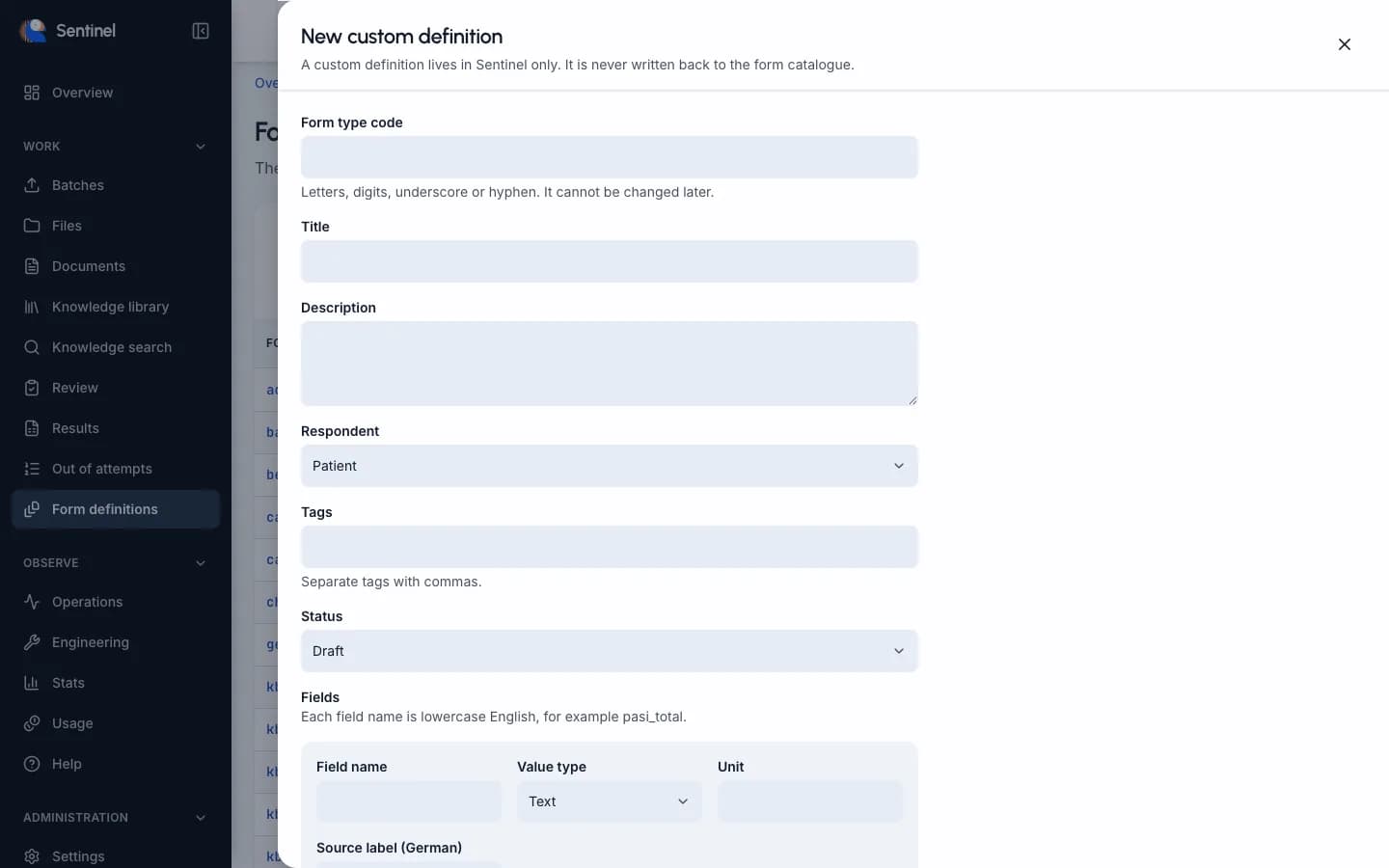
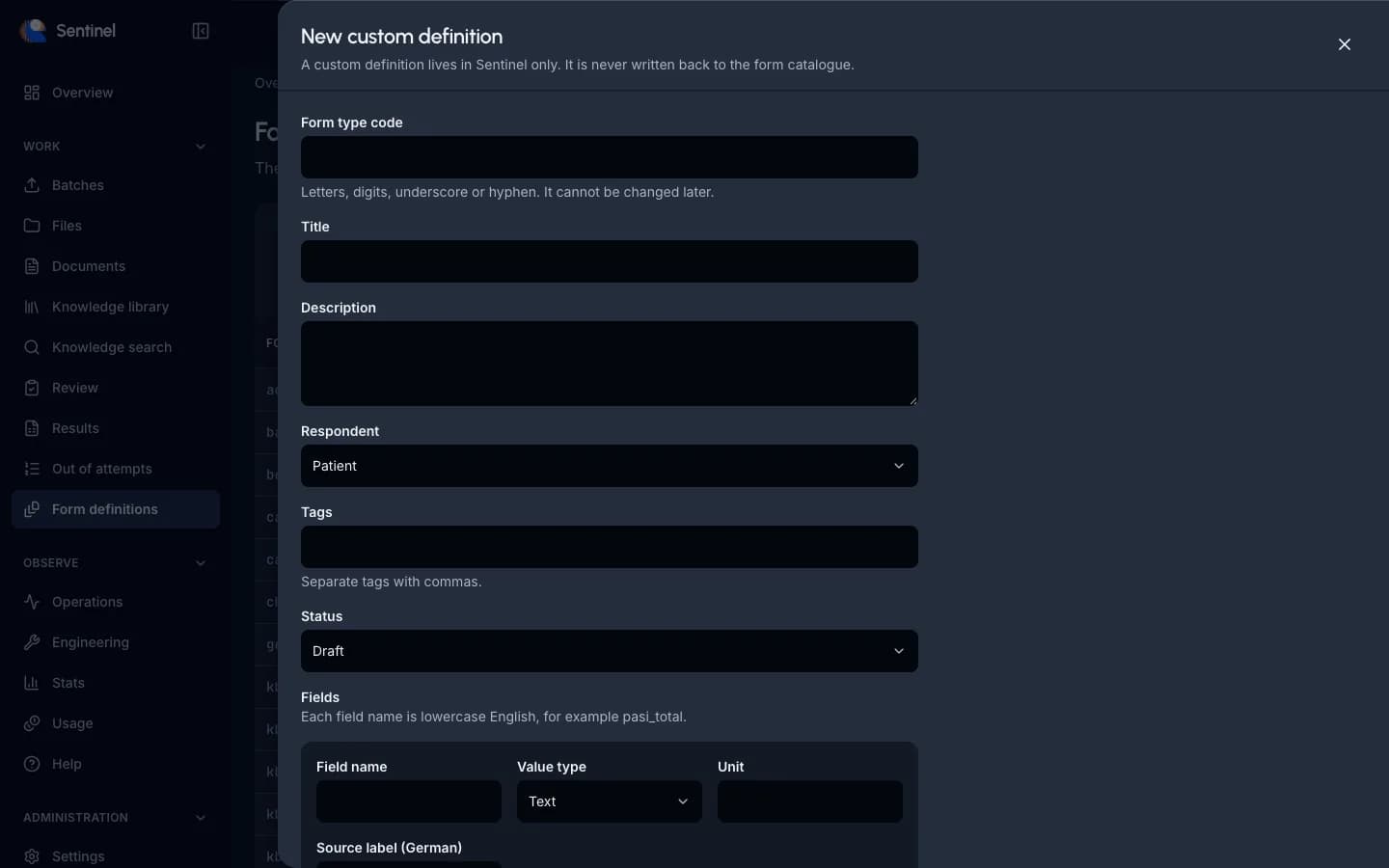
Today your own forms are added per project by an administrator. A guided way to bring a new form into the catalogue yourself is planned.
Not available yet. The line below describes what works today.
Today an administrator adds a custom definition and types its fields by hand.
A study group wants its own questionnaire in the catalogue and asks its administrator to add it.
How your team works
Review, folders and roles for the people who check the data.
Review
Review workflows
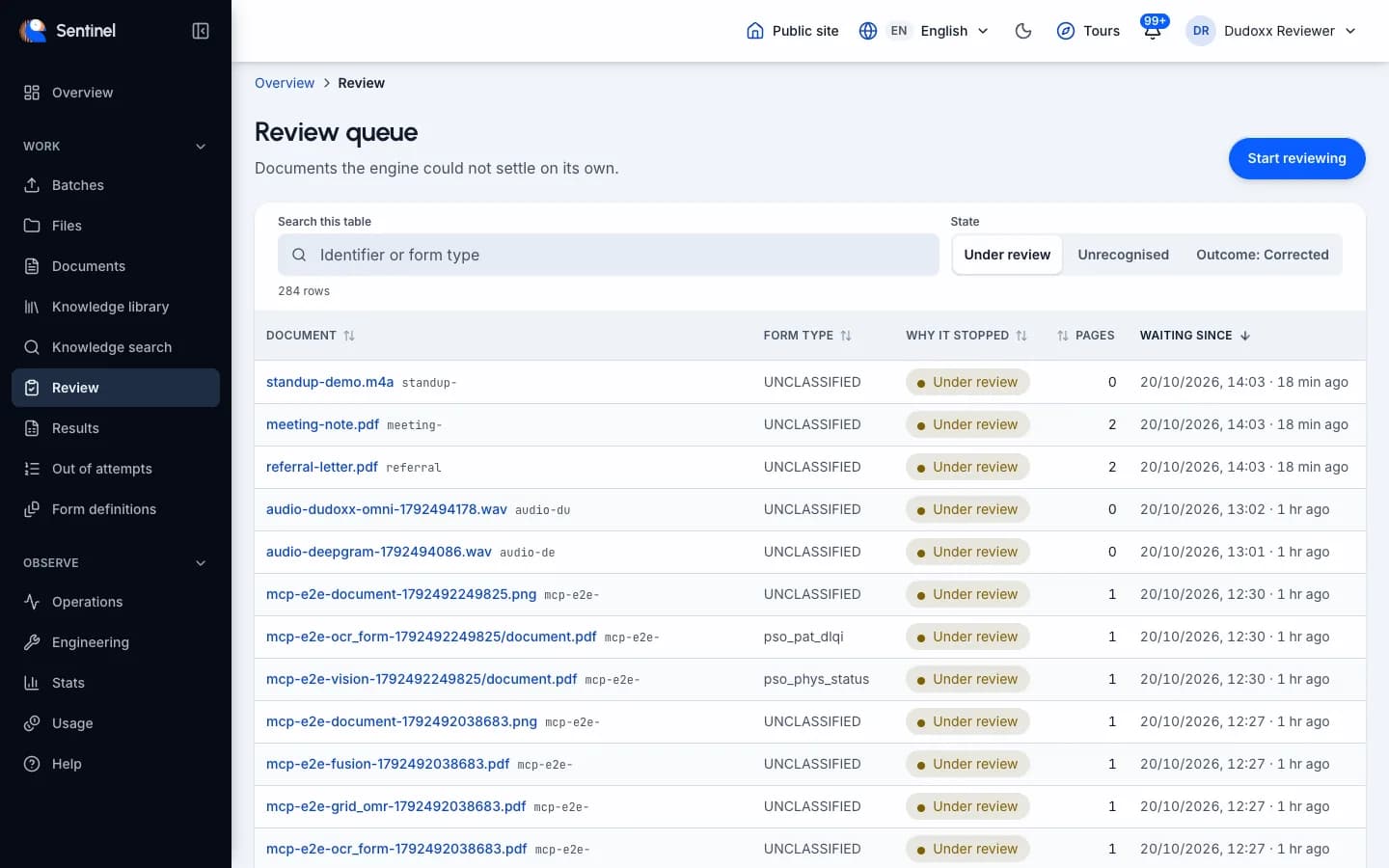
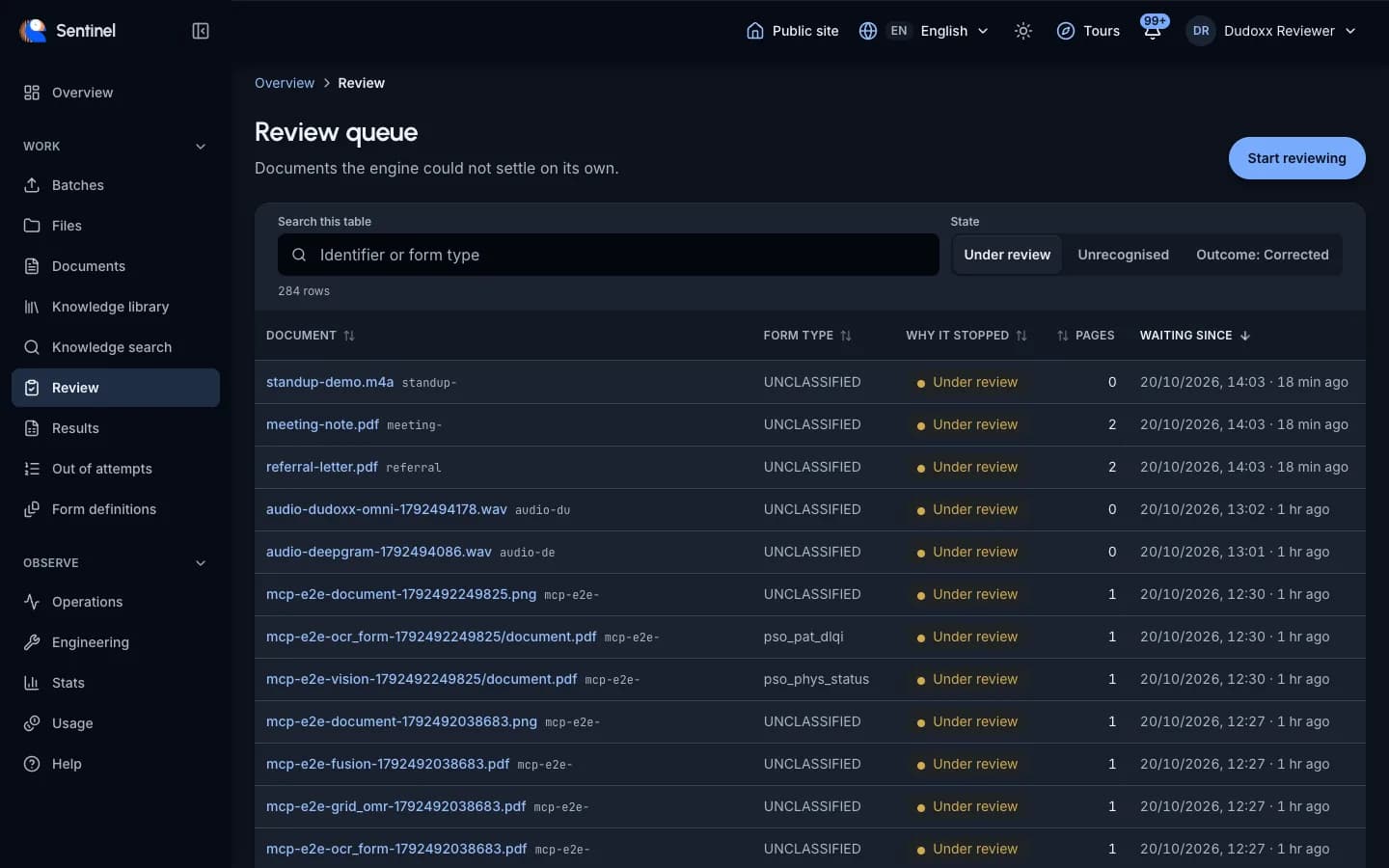
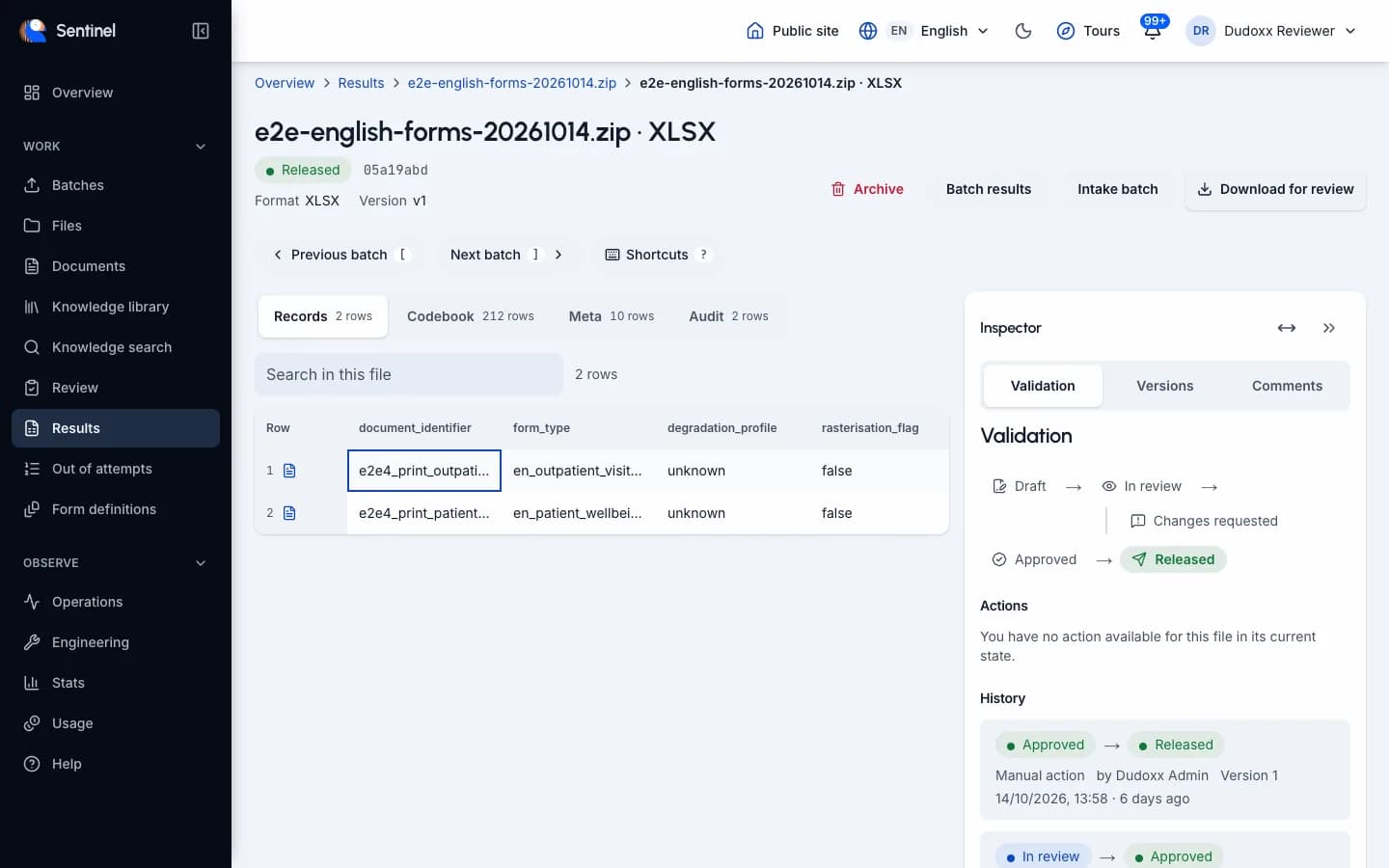
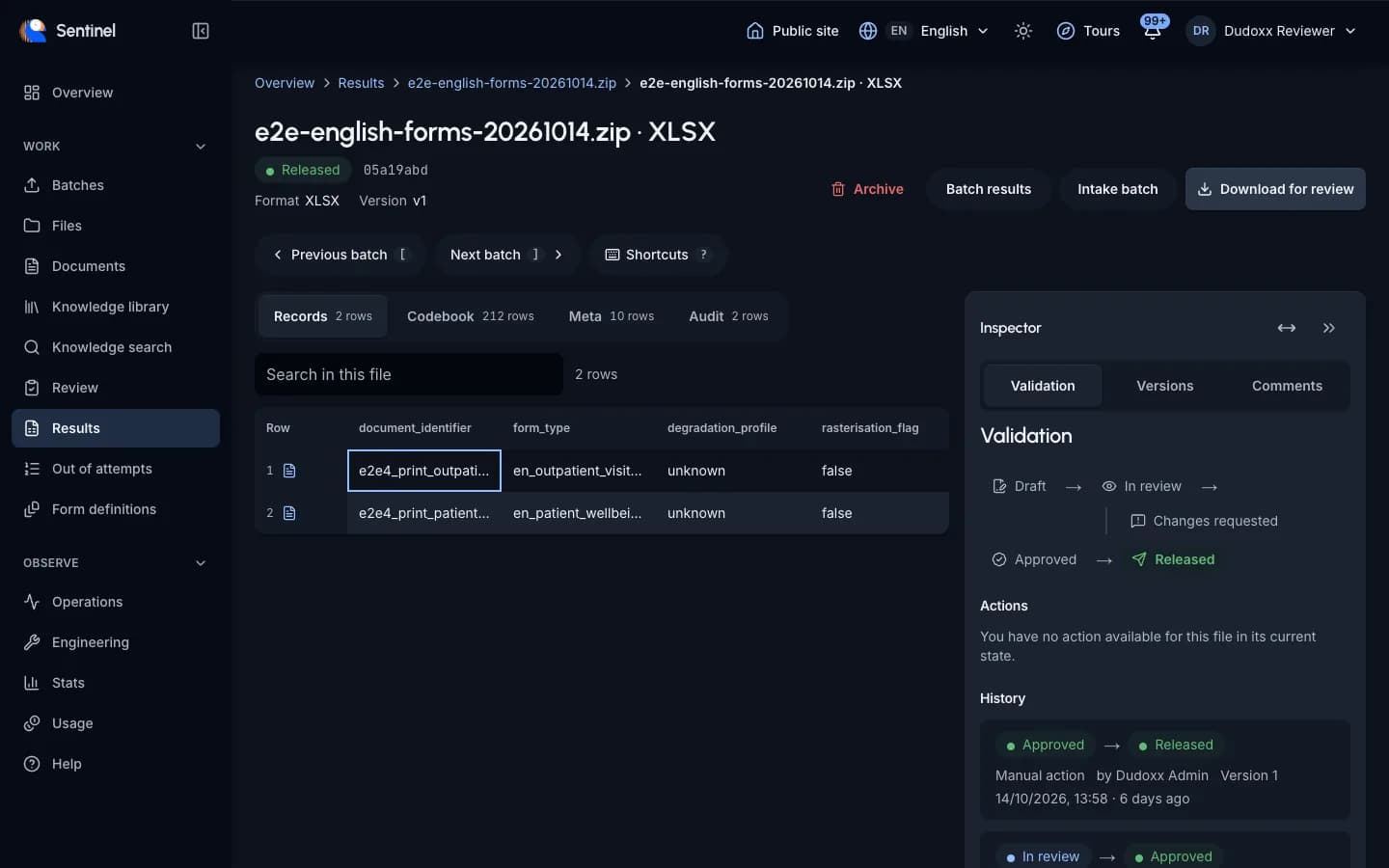
Reviewers work through a queue of doubtful fields. They approve, reject or reopen. Every correction states a reason and is audited. A re-run never overwrites a human correction. Result files carry versions, comments and a compare view.
- Review queue with the image crop beside each field.
- Every correction has a reason and an audit entry.
- Result files with versions, comments and compare.
A reviewer fixes a doubtful date, states why, and a colleague later compares two versions of the result file.
Reporting
Agentic desktop work areas
A work area where you and an agent work on the result tables after ingest is planned. It is not available yet.
Not available yet. The line below describes what works today.
Today you open a result file in the viewer with versions, comments and compare, and export it as CSV, XLSX, XLS or JSON.
An analyst would open a result table and ask for a cross-check against a second table.
Administration
Separate customers and folders
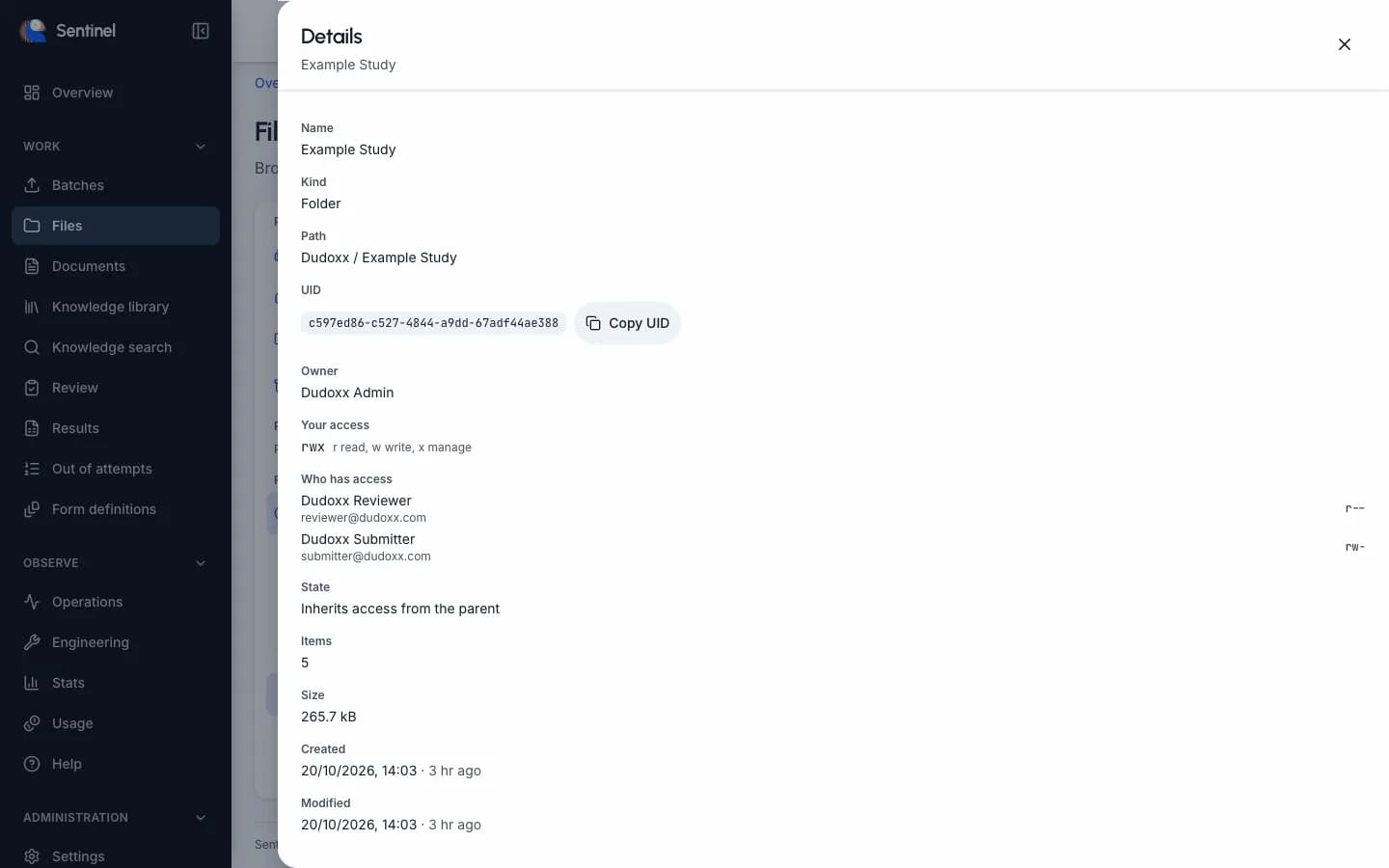
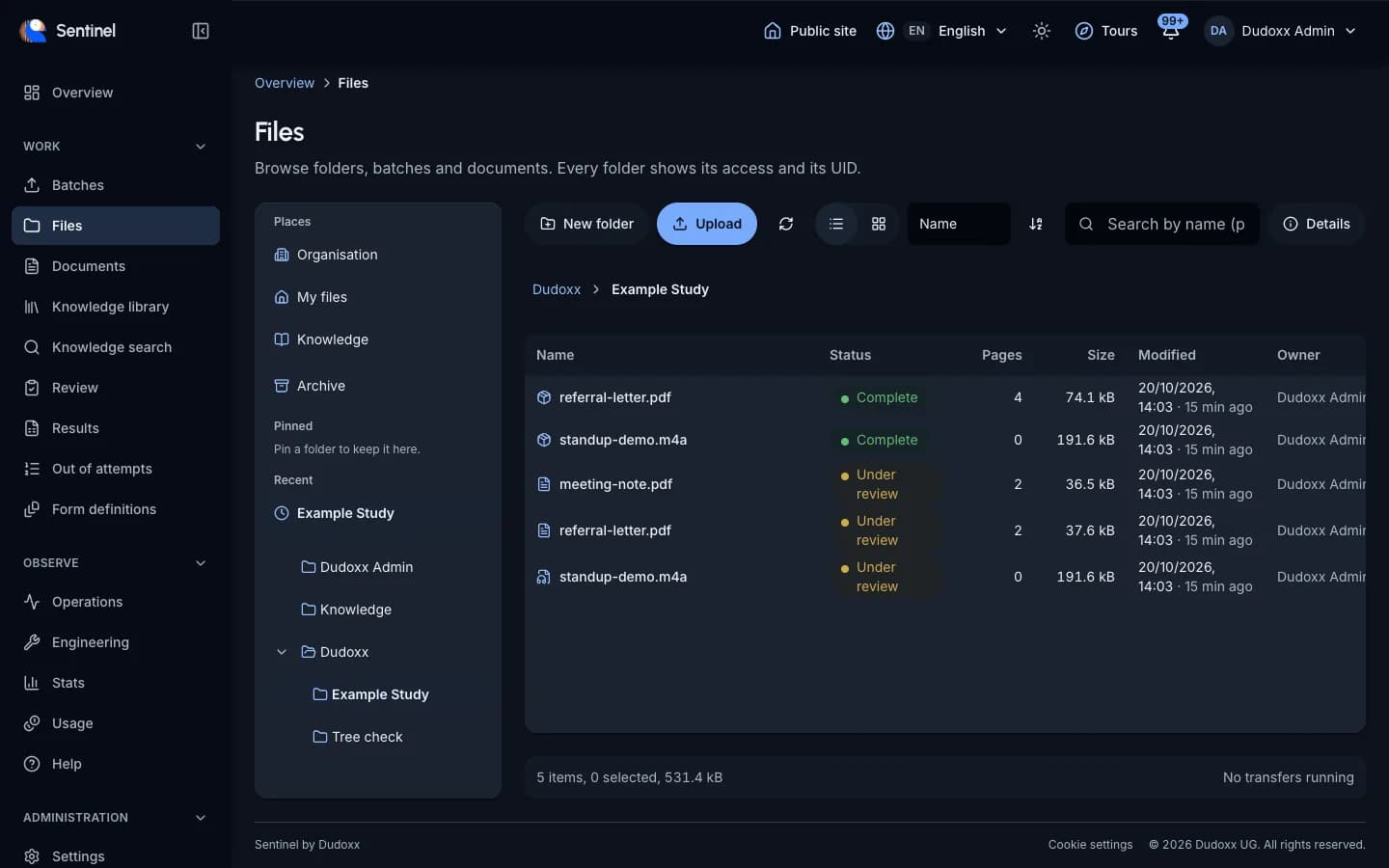
A tenant holds its own organisations, folders and people. Rights on a folder are read, write and manage. A person who may not read a folder cannot tell it exists.
- Each customer is a separate tenant.
- Folder rights: read, write, manage.
- Folders you may not read stay hidden.
Two studies share one installation, and the reviewers of one never see the folders of the other.
Administration
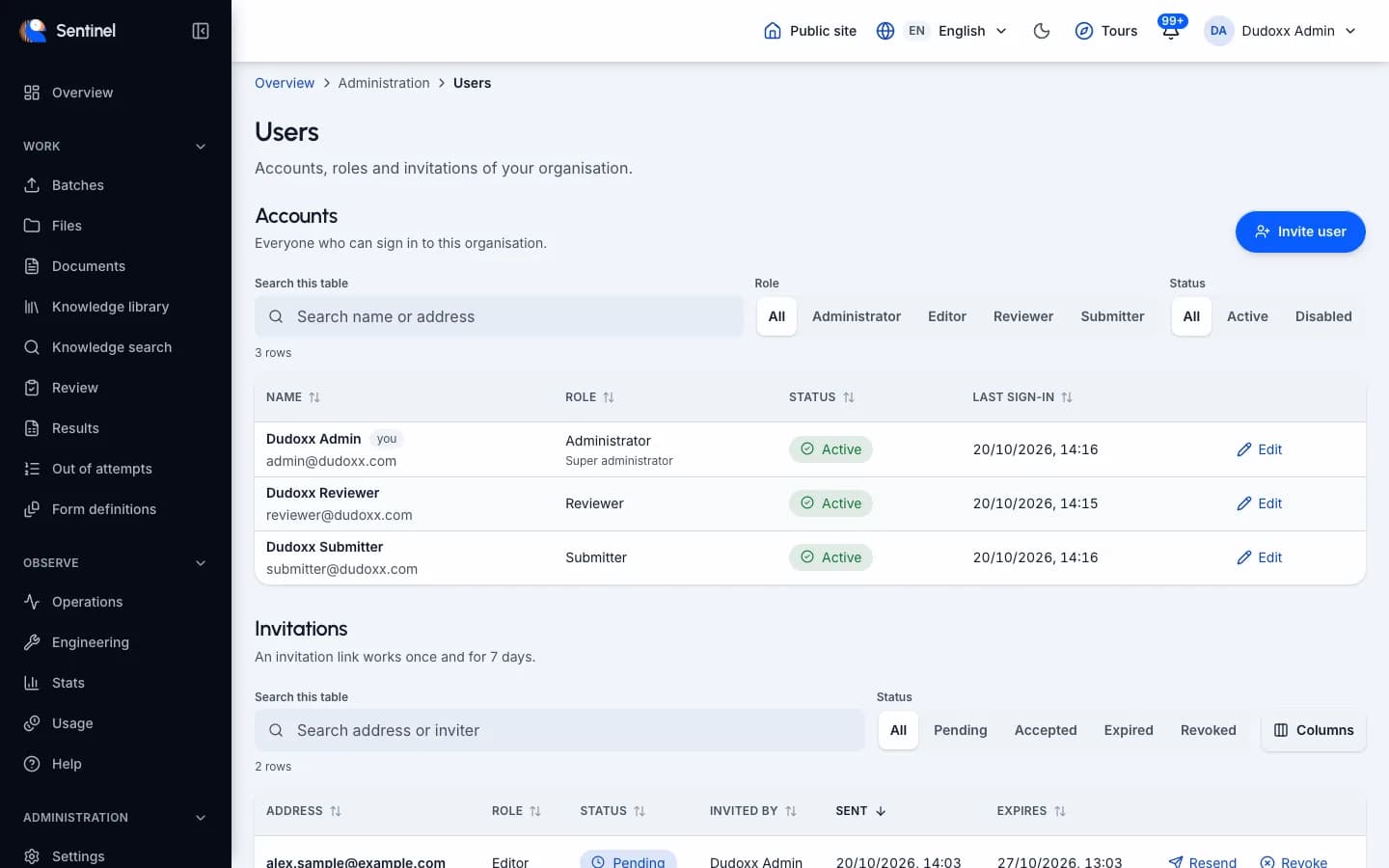
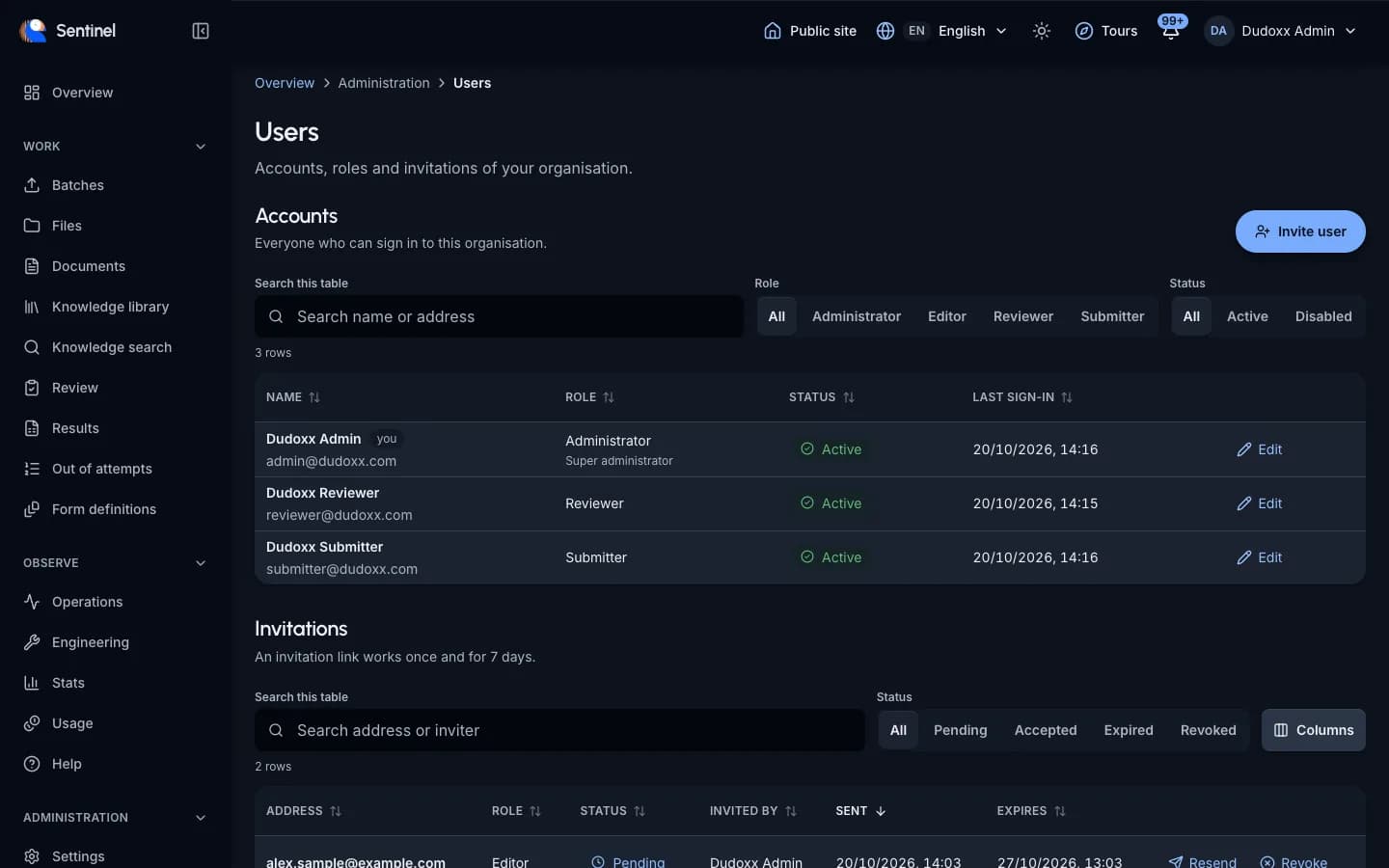
Users and roles
Administrators invite people by e-mail. The roles are administrator, editor, reviewer and submitter. A person who leaves is deactivated and can no longer sign in.
- Invitations by e-mail.
- Four roles: administrator, editor, reviewer, submitter.
- Deactivate at any time.
An administrator invites a new reviewer, sets the role and deactivates the account when the project ends.
The platform around it
Plans, legal texts and connectors for the AI assistants your team already uses.
Administration
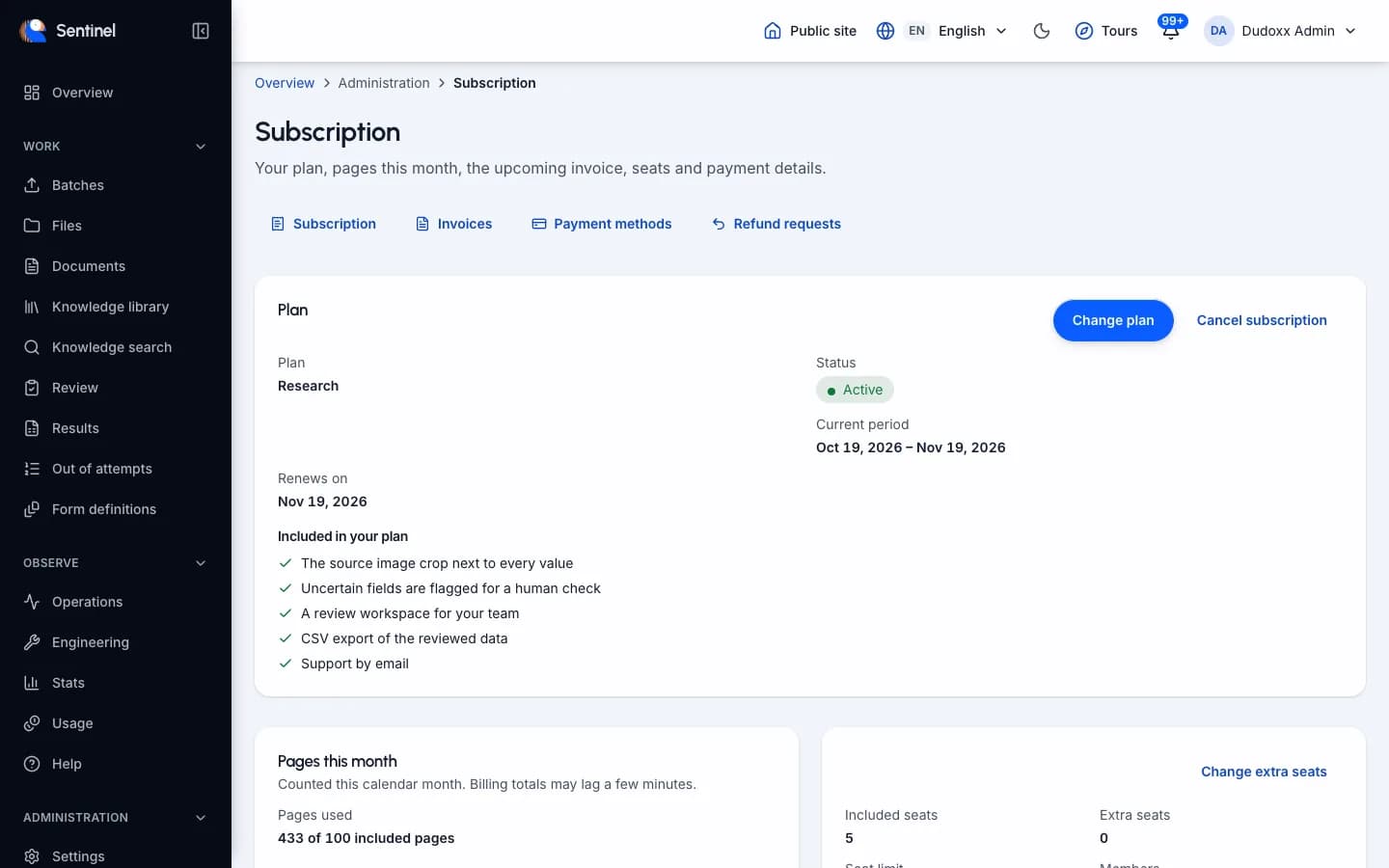
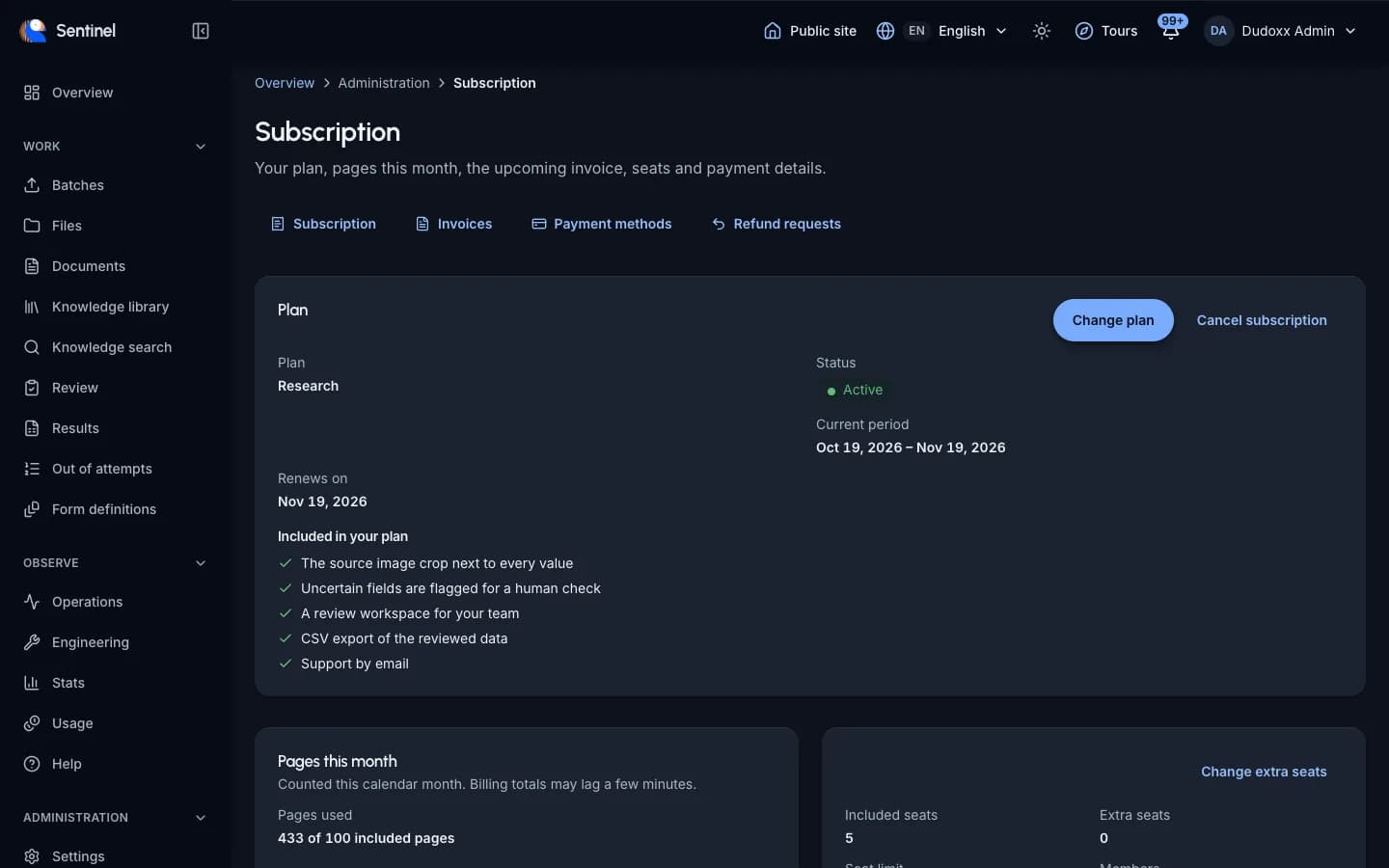
Self-service plan
A team can start on its own: choose a plan, confirm the e-mail address, accept the terms and pay. Seats, invoices and refund requests are managed in the app. Plans and prices are on the pricing page.
- Sign up, confirm e-mail, accept terms.
- Pay in an embedded checkout.
- Manage seats, invoices and refund requests yourself.
A small research group signs up without a call and adds its colleagues as seats.
Administration
Terms and privacy texts
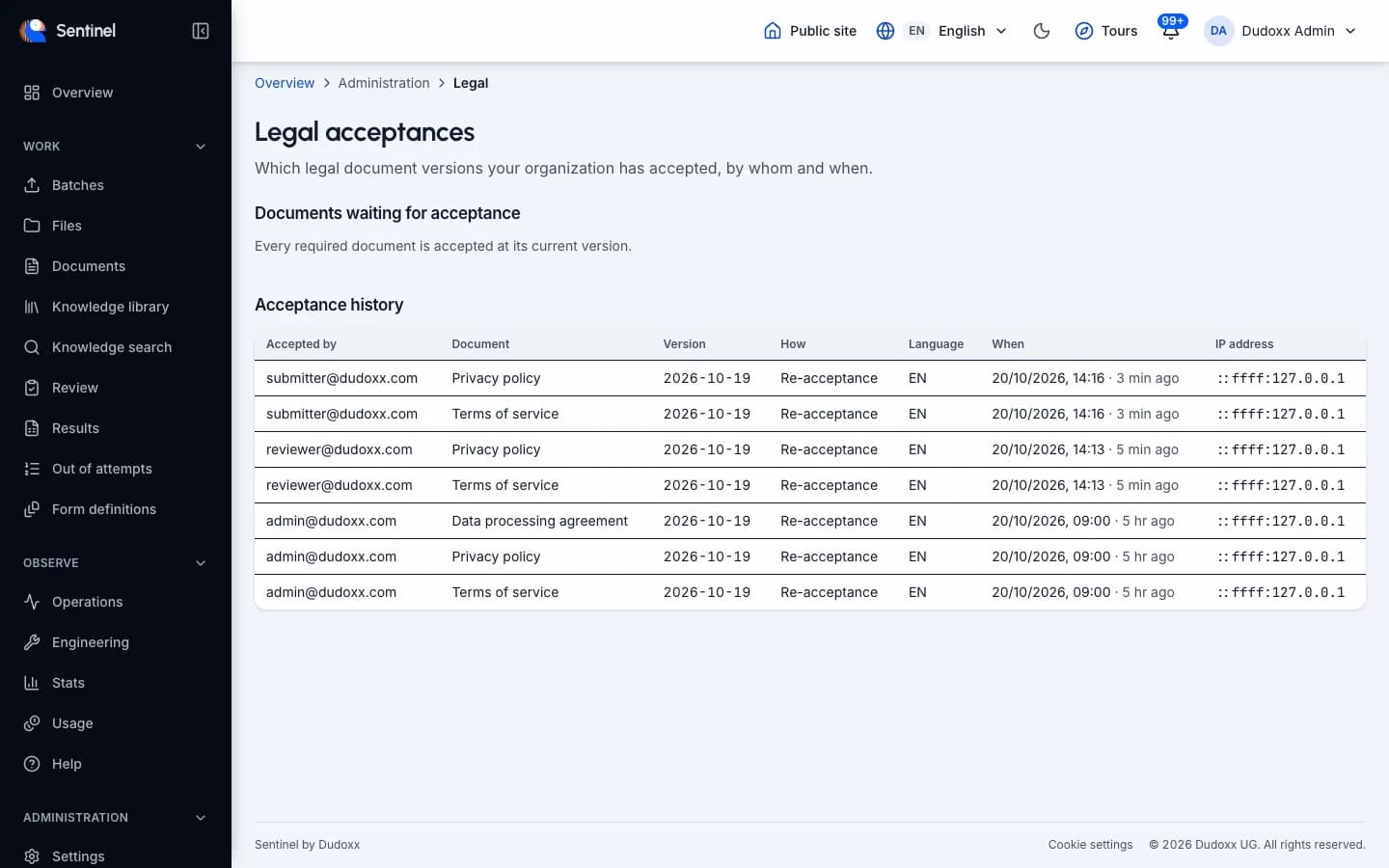
Terms and privacy texts are versioned and shown in English, French, German and Spanish. Each acceptance, and each re-acceptance after a change, is recorded.
- Four languages.
- Versioned texts.
- Acceptance and re-acceptance recorded.
After the terms change, every user accepts the new version before continuing, and the acceptance is on record.
Integration
Connectors for AI assistants
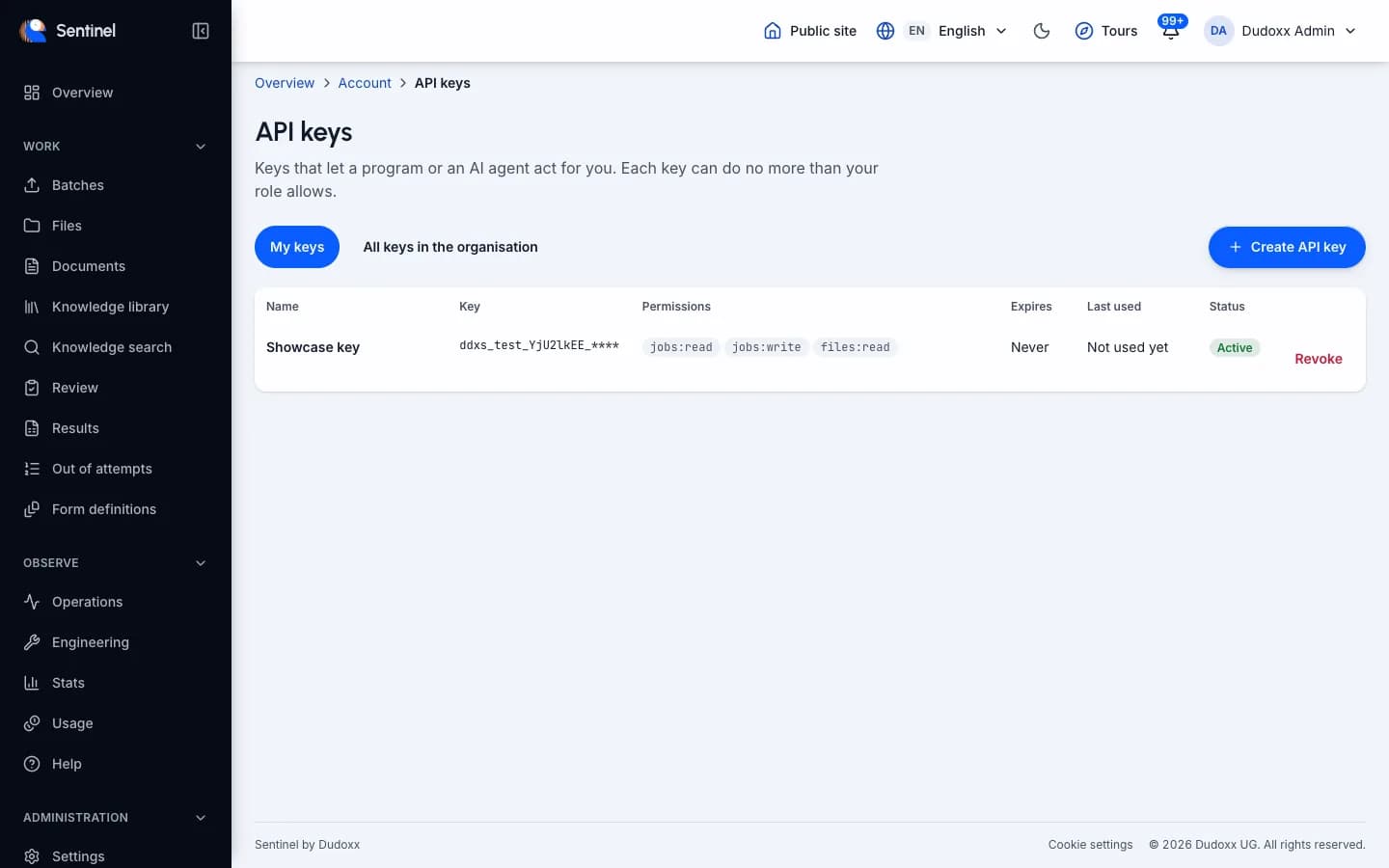
One connector is for daily work, one for tenant administration. They run on your own computer and use a personal key that never has more rights than its owner and is shown once. Signed job notices are available through the API and the connectors.
- Submit documents and read values with confidence and location.
- A personal key, shown once, never above its owner's rights.
- Signed job notices through the API and connectors.
A data manager asks an assistant to send a folder of pages and to read back the values with their confidence.
Works with the assistants you use
The connectors run on your own computer. Pick your assistant below.
Available now
Claude Code
Command line and editor extensions.
Claude Desktop
Chat on your computer.
Google Antigravity
Command line, editor and app.
OpenAI Codex
Command line and editor extension.
VS Code
With GitHub Copilot.
Cursor
Editor with agent mode.
Later
ChatGPT on the web
Needs a hosted connector, which is planned.
claude.ai on the web and mobile
Needs a hosted connector, which is planned.
See it on your own pages
Send a first batch and watch which fields Sentinel reads on its own and which it hands to a person.